Intro
With the addition of purchasing a house in late 2024, and the fact that this site hasn’t been updated in a long long time. There should be no surprise that quite a few updates have happened since then.
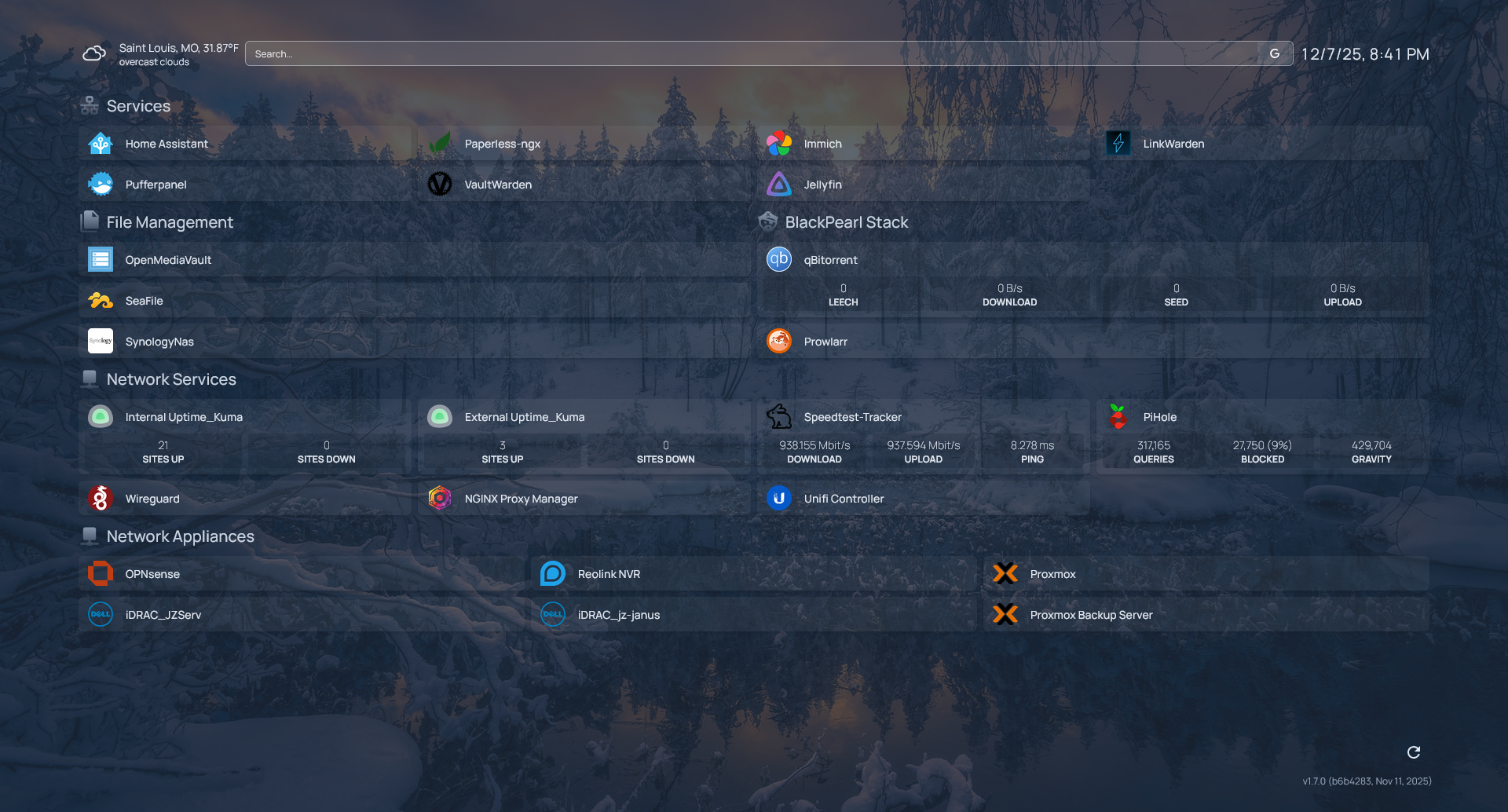
A few mainstays have kept their place, Homepage being one of them. As shown by this post’s cover photo. I’ve found it to be relatively simple to use with its few settings and configurations, all handled via .yaml file.
I haven’t done the best on keeping track of what has disappeared from my stack but I can go over what I currently have and how things are running.
Primary Host Changes
My old Dell PowerEdge T330 running on a hodge podge of random HDDs and SSDs, relying on USB connections for extra storage. Pushing Windows Server 2019 on a decrepit HDD past it’s prime. Well… it was something; and it was what I needed at the time. It served a good place to make mistakes (within reason?).
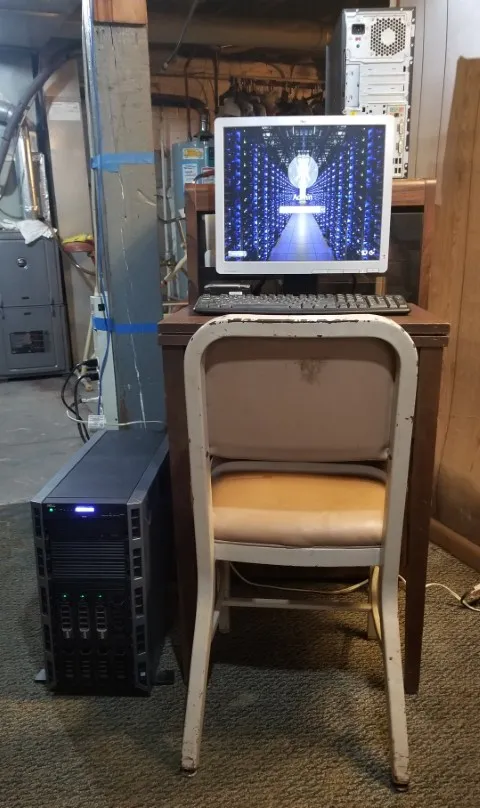
My T330 in it's early stages. Sitting in my father's basement. Yes, it was as dusty as that floor would lead you to believe.
I consider myself lucky to have the chance to get my hands on “enterprise” hardware, having features like iDrac and multiple drive bays and the sorts. It also always ran cool and efficiently if the iDrac logs are to be believed.
If you were wondering the specs on that particular system..
Out with the Old - Dell PowerEdge T330
- OS: Windows Server 2019
- CPU: Intel(R) Xeon(R) CPU E3-1240 v5 @ 3.50GHz
- RAM:32GB DDR4
- Storage:
- 1x 1TB HDD (OS)
- 1x 500GB SSD (Virtual Machines)
- 1x 4TB HDD (General Data Storage)
- 1x 3TB HDD (Was failing near the end of it’s life. All important data moved above.)
What a doozy, right? You must be thinking, ah you used Windows Server, so you must have used Hyper-V right? …right?
nope
In all my novice based wisdom, I chose to use Virtual Box. Why? Well, no idea. I suppose it was what I was most comfortable with at the time, considering that at one point in my youth I utilized VirtualBox to dual box accounts in games like Rappelz.
Running VirtualBox on a windows machine as your main virtualization platform presents some issues. To absolute no one’s surprise, it runs terribly on a dated server, running on a HDD. Towards the end of this server’s life, I did begin to get close to max RAM utilization, I’m sure there were things that could have been cleaned up, but it would be a problem regardless.
You also have no way to spin your VMs back up after the system restarts, whether it be you pushing the reboot or a power outage. I navigated past that by a set of .bat files in the shell:startup folder and set my system to sign itself in for a second before locking itself again.
Please don’t do this. It’s stupid.
In With the New - Dell PowerEdge R430
- OS: Proxmox 8
- CPU: 2x Intel(R) Xeon(R) CPU E5-2680 v4 @ 2.40GHz
- RAM: 128GB DDR4
- Storage:
- 4x 4TB SSDs (Running in RAID-5)
Already off to a much better start. With the inclusion of Proxmox, there is a solid base to build VMs and containers. Better management, no more quirky work arounds. God it’s been so good. I did utilize the pve-nag-buster to rid that initial license pop up.
The conversion from VirtualBox to Proxmox was surprisingly easy. A quick clone of the VirtualBox machine with only the latest machine state, quick grab of the newly created .vdi file and then use of qemu-img.exe to convert those files over. Import them into Proxmox and you’re good to go after adjusting boot and ethernet mapping for the new devices.
I was looking to get back up and running as quickly as possible after moving the server to it’s new home, I wasn’t too interested in cleaning it up at the time and figured a 1:1 migration would be the best way to go.
Remote Access
VPN Access
At my old location, the best internet I could get was right around 800/20. Not the best when it comes to fast VPN traffic while remote. Currently, I run a 1000/1000 connection that consistently stays around 950 for both up and down. Having access to a faster connection led me to want to increase usability of my VPN, opting me to make the jump from OpenVPN to Wireguard.
I can’t speak directly to the changes in performance between the two since I had such a drastic change in ISPs in reference to the individual VPN servers, but Wireguard does seem to connect much quicker. This is handy in conjuction with a Tasker automation to trigger the VPN the moment you leave your main Wireless SSIDs.
Service Exposure
Remote access to my network being handled, I took a step back and examined how I exposed services to the outside world. While I might have periods where I’m a bit negligent of my network, I realized this year after going through and recovering from a surgery, I might not always be in the best place to maintain my home systems for an extended period of time.
Who’s to say that while I was down and out in my first week’s dosage of Hydrocodone, that a major CVE wouldn’t be released for a system that I exposed directly? Depending on what you choose to expose, and how your network is laid out, that could lead to data being stolen or worse, compromise of your entire network and all devices around. (In my case, enjoy my seafile with some pictures of cats and my .bash_aliases file.)
So with that, and the ease, speed, and security of Wireguard, it was easy to remove all direct exposures to services outside of my Wireguard server. Thinking back, I don’t believe there was a single time that I benefited by having direct access without having a VPN handy as well.
A little bit more peace of mind.
Services of 2025
Home Assistant
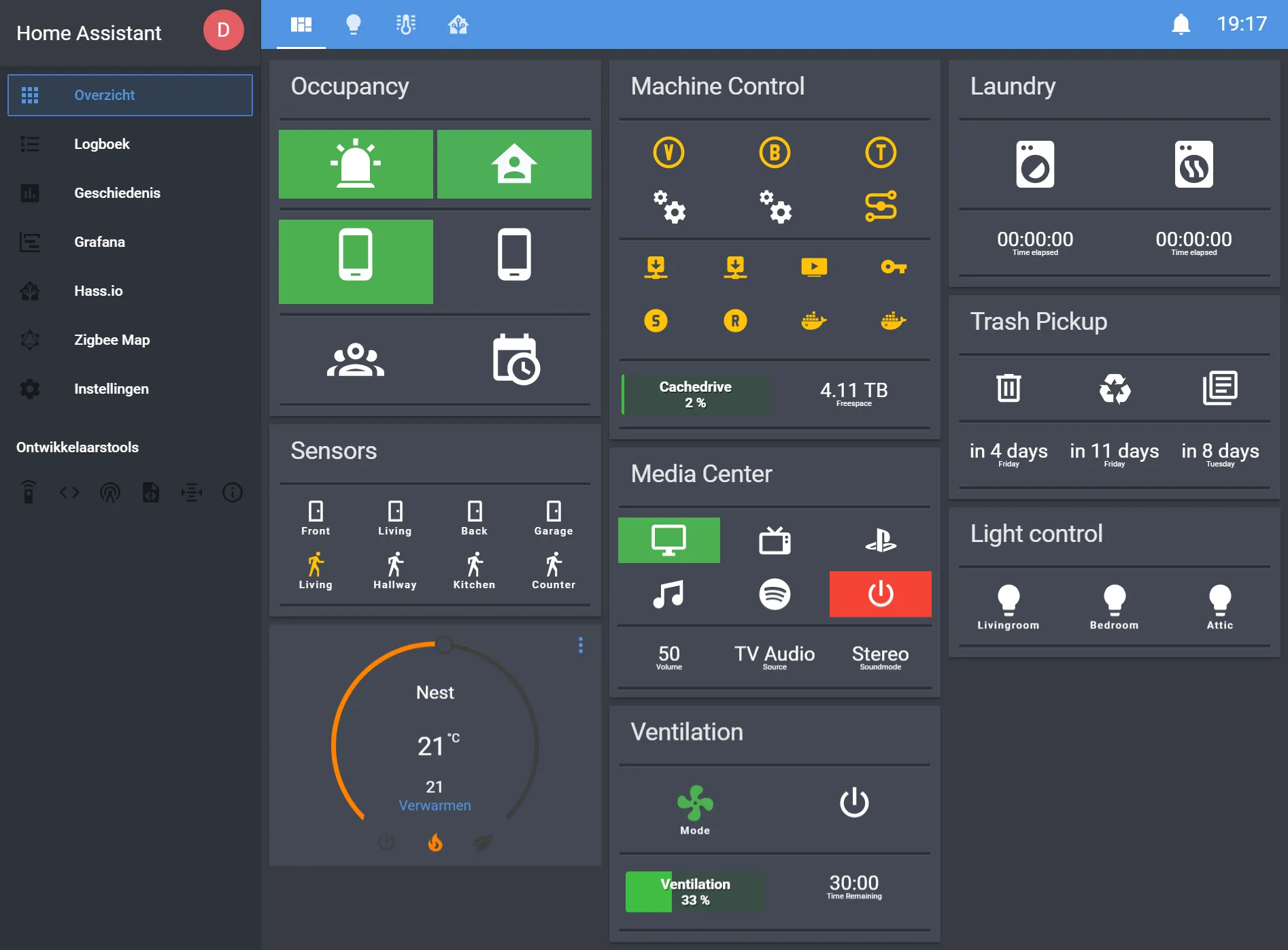
I found linking to my android based TVs, wifi lights, locks, security cameras, other services, all pretty easy. Even going as far to set up a MQTT server and a Zigbee network (using a SONOFF ZBdongle-P). The girlfriend approves of this fully, so I can’t complain. Plans with this include further automation of outdoor lights, garage door, and setting up Z2MQTT with a second SONOFF dongle to cover all devices.
Paperless-NGX
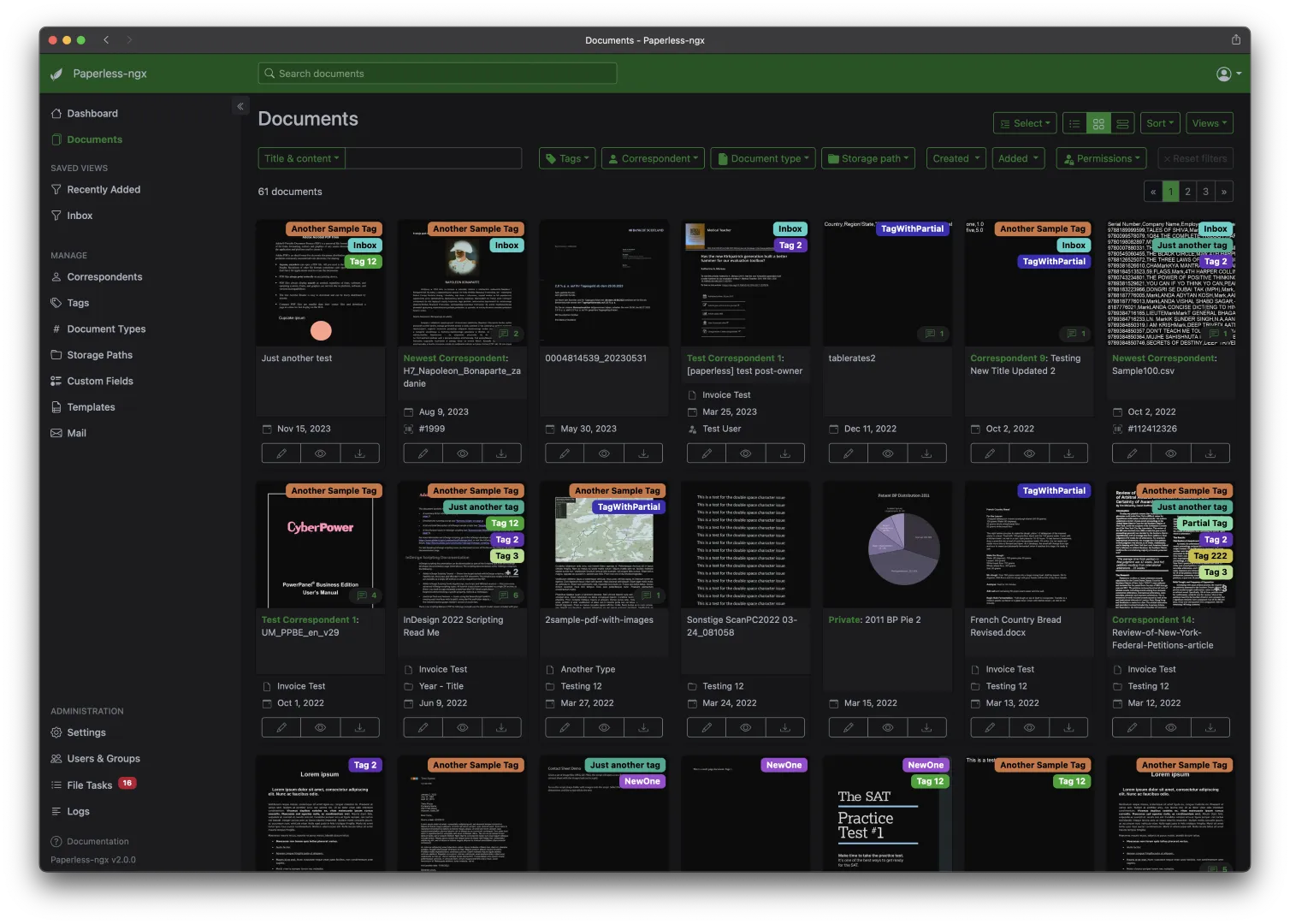
Severely under-utilized at this time. I’m hoping to add a scanner to my inventory soon to be able to get a bit more use out of this service. Otherwise, it’s a great method to archive, search, and organize documents. As well as auto-tagging and sorting.
Immich
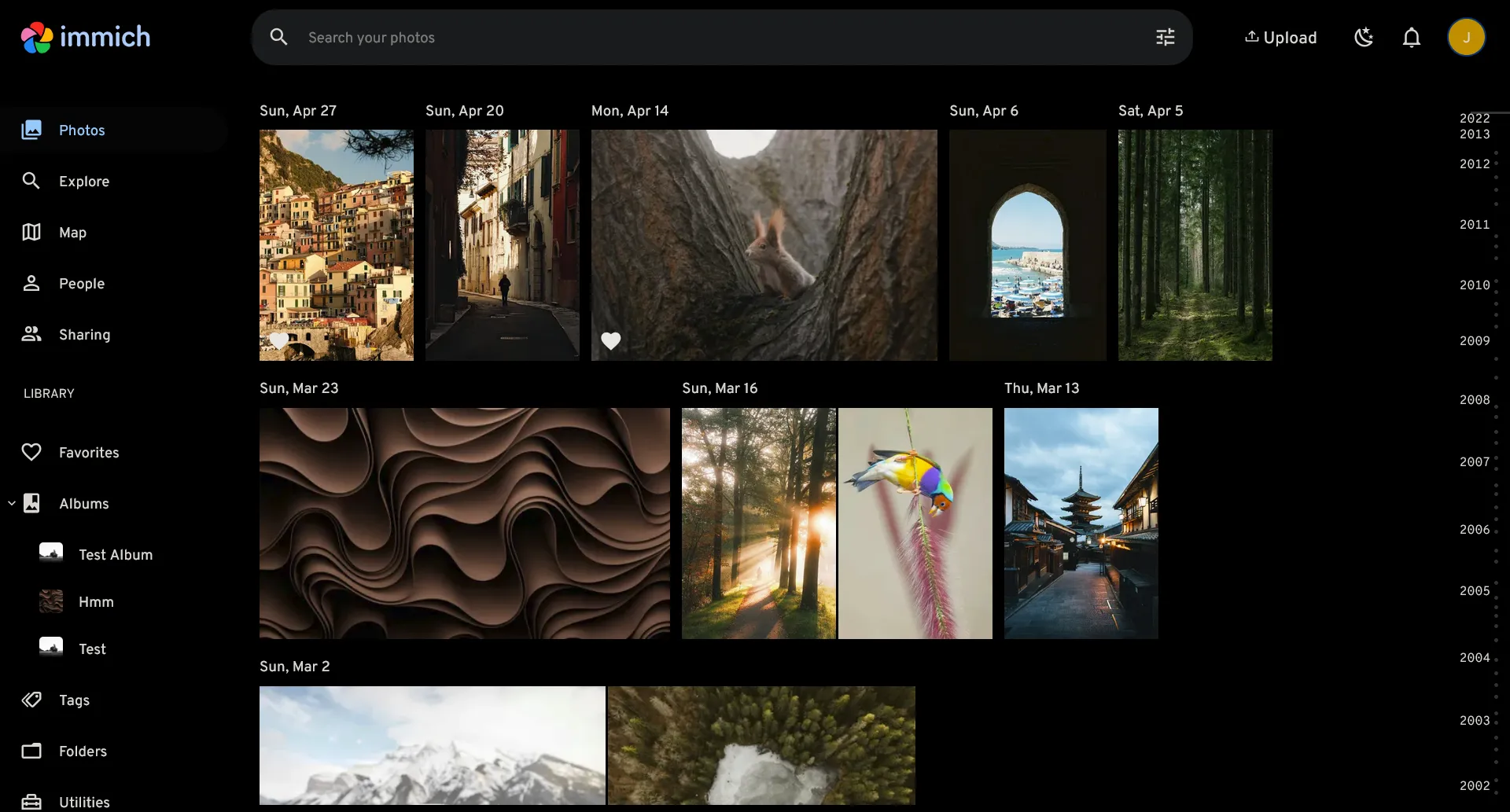
I originally came from PhotoPrism and made the migration to Immich. While I never had issues syncing or basic usage of PhotoPrism, the performance left a lot to be desired and I found that memory leak like issues began to present themselves after a while. Immich is regularly updated and is a perfect replacement for Google Photos or iCloud. I do need to go through and clean things up. This acts mostly as a quick way to access photos from my phone via the web on my PC, and the AI searching is nice too when I’m trying to locate those random photos from 5 years ago.
LinkWarden
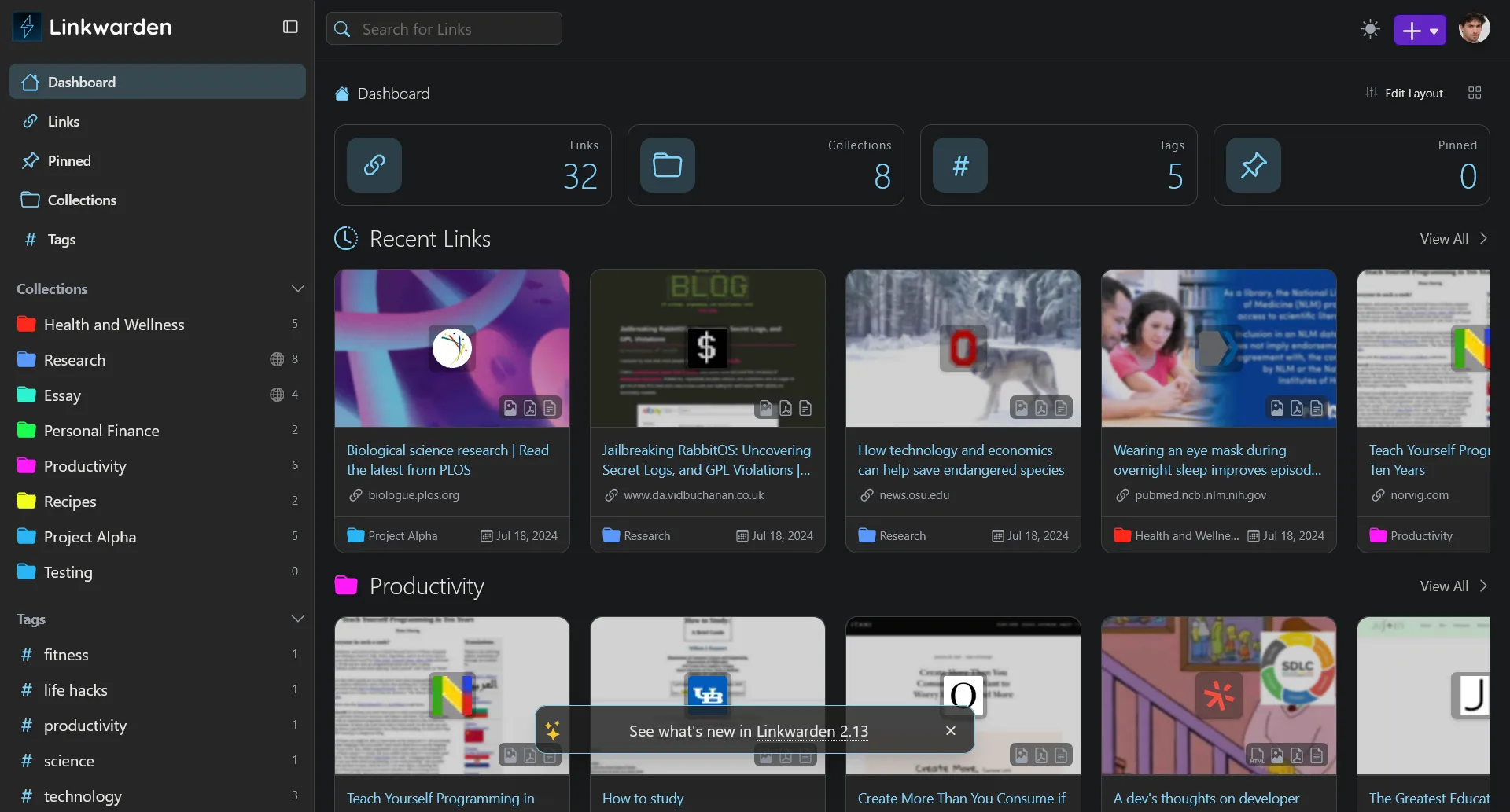
See, I always figured that I would be just fine utilizing the built in bookmarks feature of any random web-browser that I had on hand. With expanded usage of my Android phone and tablet, I found it a bit hard to keep track of all the random links being sent my way. Linkwarden takes care of that with a simple hit of the “share” button and straight to Linkwarden for organization.
PufferPanel
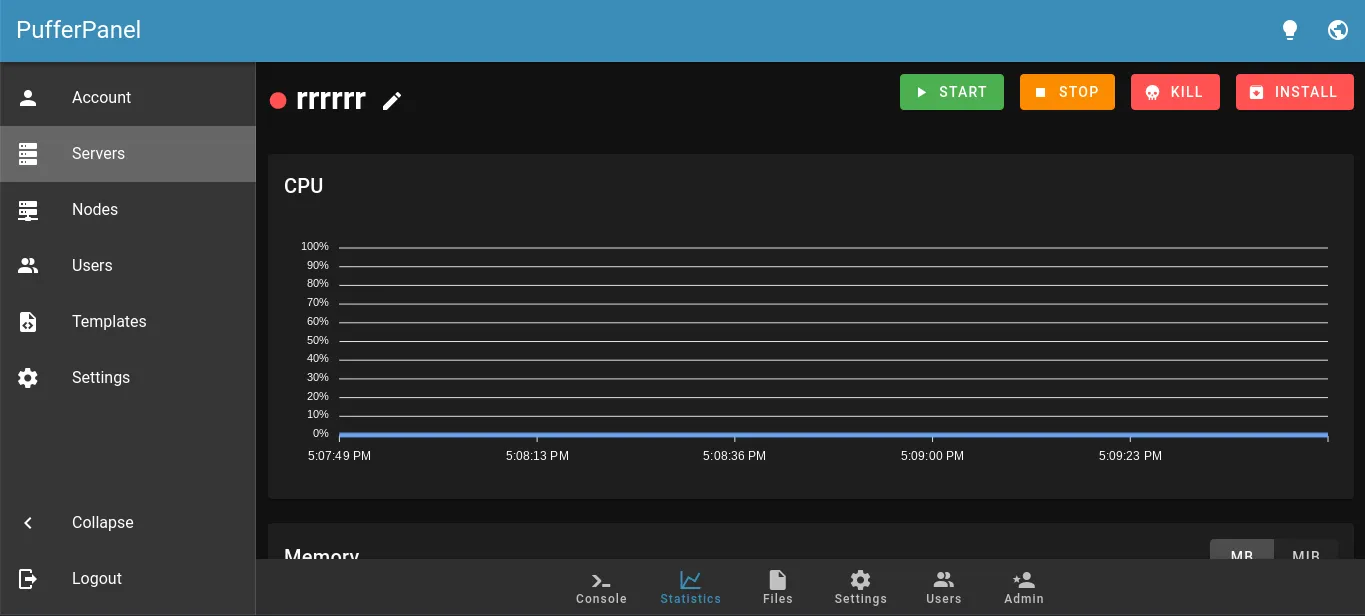
Let’s be honest, this exists to give my minecraft worlds a home. For now, at least. Plenty of choices though, from Minecraft to Arma, Counter Strike to Team Fortress 2 and more. You have the option to administrate multiple nodes as well in case your game hosting is more expansive than mine.
VaultWarden
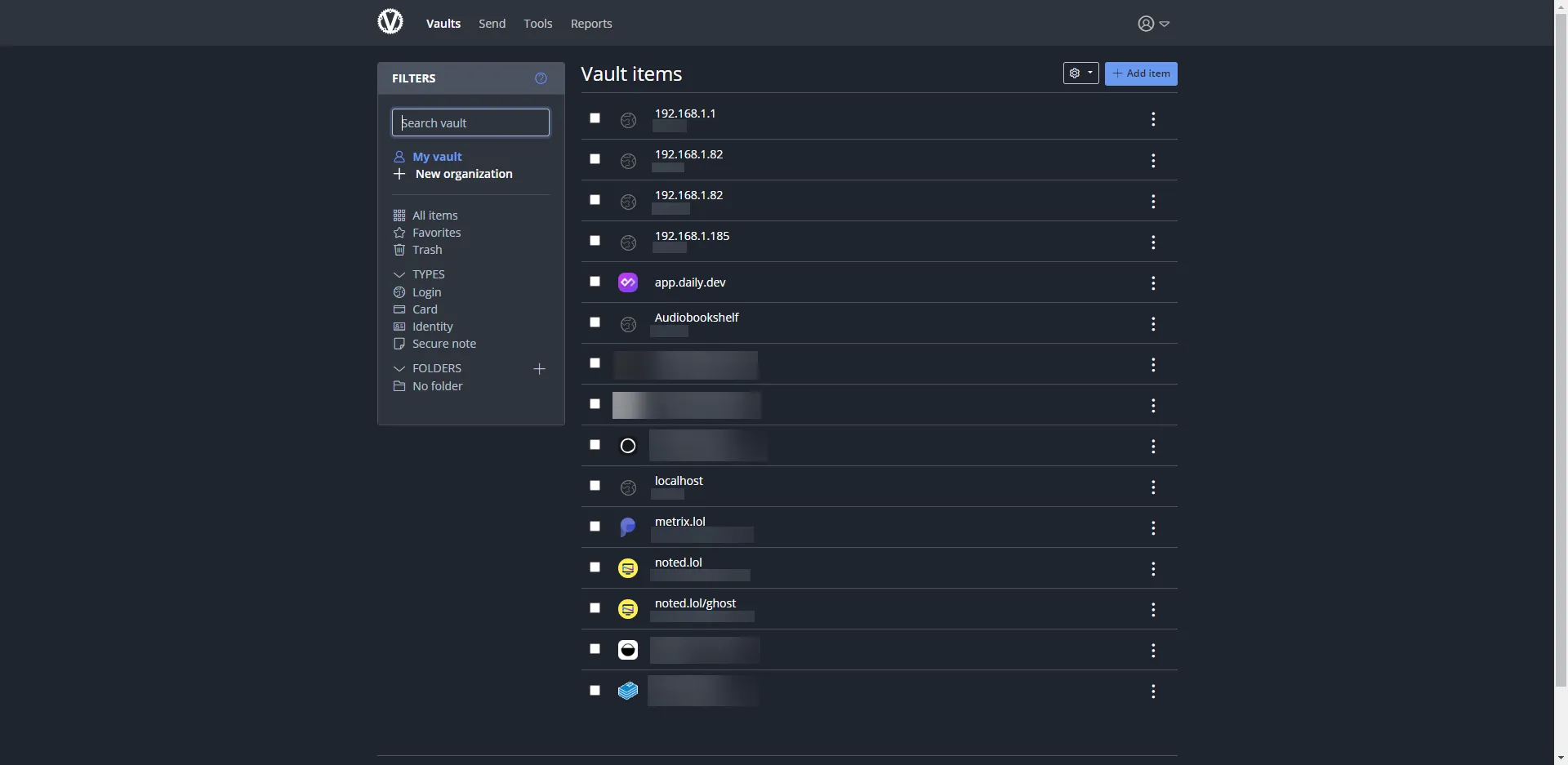
In all seriousness though, VaultWarden probably had more instances of use than Home Assistant. Hard not to when it’s such a backbone to everything else. Though with BitWarden’s mention of BitWarden Lite coming to production, that might change. I’m lazy though, so who knows.
Jellyfin
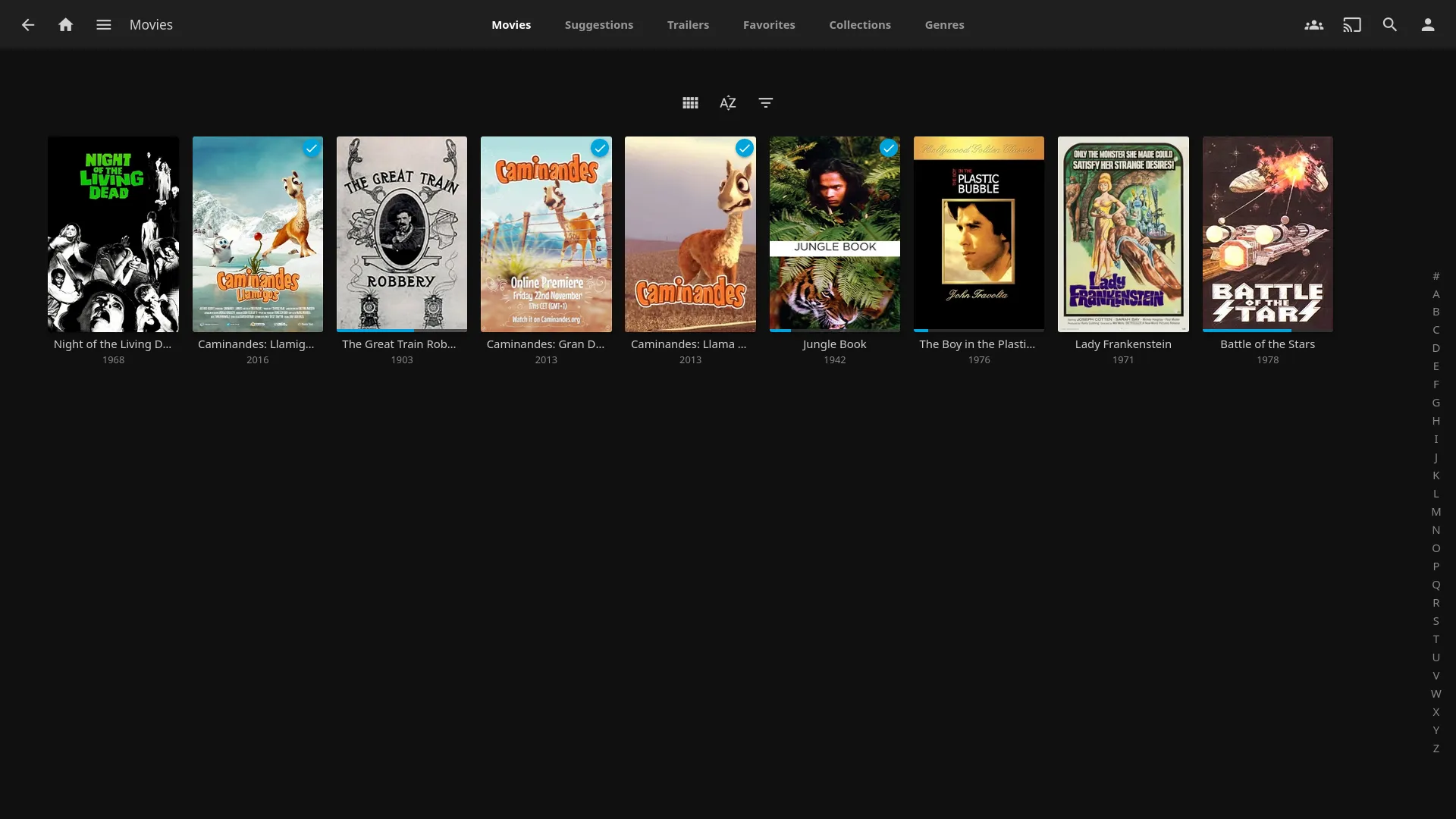
Plex had always been the mainstay in the home media server economy for the longest time. It’s the only one I had experience with as a user, I was never particularly blown away and after the recent drama regarding Plex’s lock down on free streaming I decided to jump straight to Jellyfin instead.
I’ve been impressed so far. I store my media on a mounted share for ease of access/manipulation. Between the TVs, computers, and phones, I’ve yet to run into any issues. Hell, I was even able to install the Jellyfin app on my old Samsung Tizen TV. Trickplay generation and metadata works great out of the box as well, assuming everything is named as expected.
OpenMediaVault
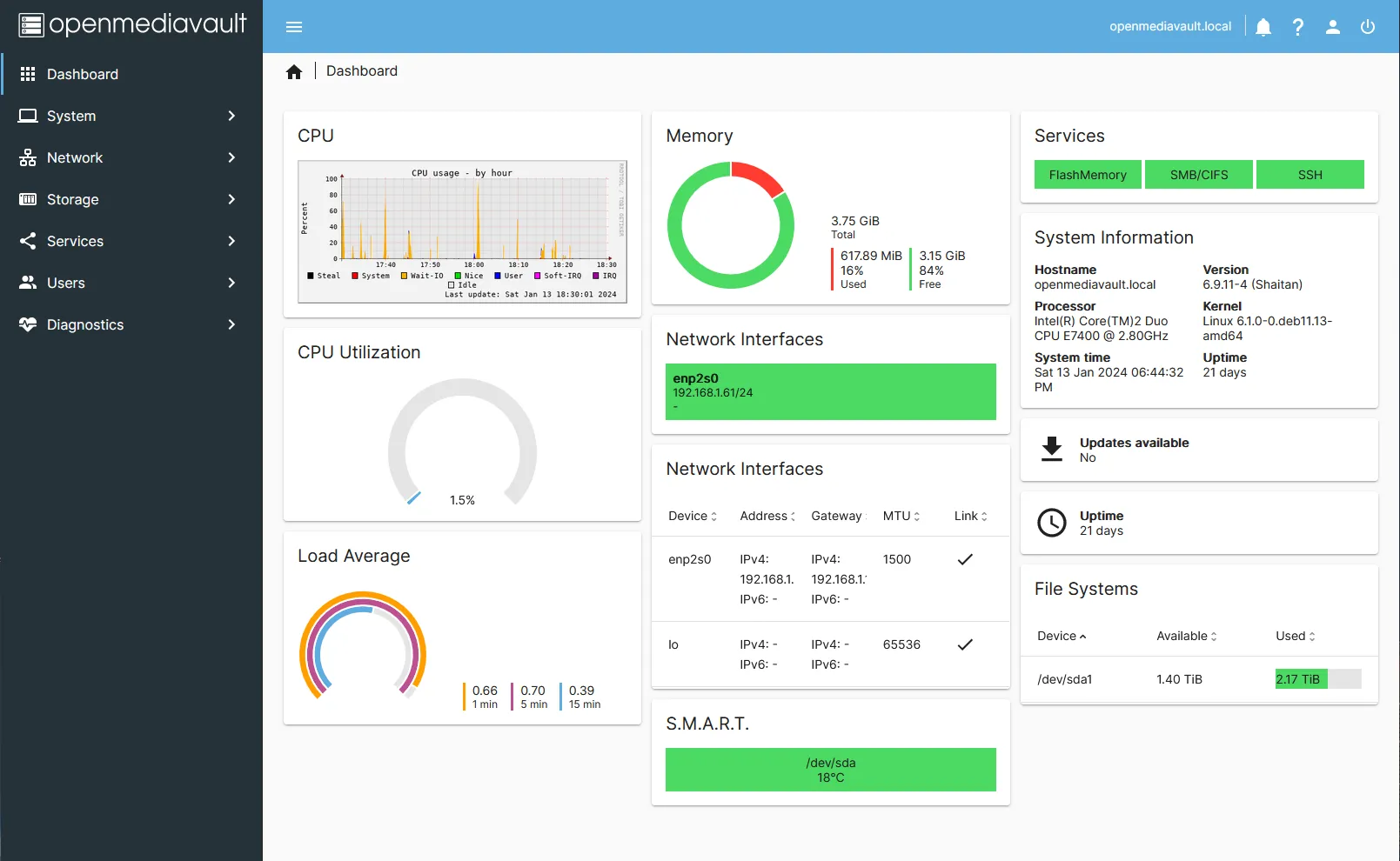
This was a welcome service in my network. I played with the idea of TrueNAS and Unraid and ultimately landed on OpenMediaVault. Set up was simplistic, features are enough for me. I’ve had no random hiccups, issues accessing data, or anything of the sort.
The ability to push rsync directly from the server on a per-share basis is great for taking mirrored backups of your system on a remote system as well.
SeaFile
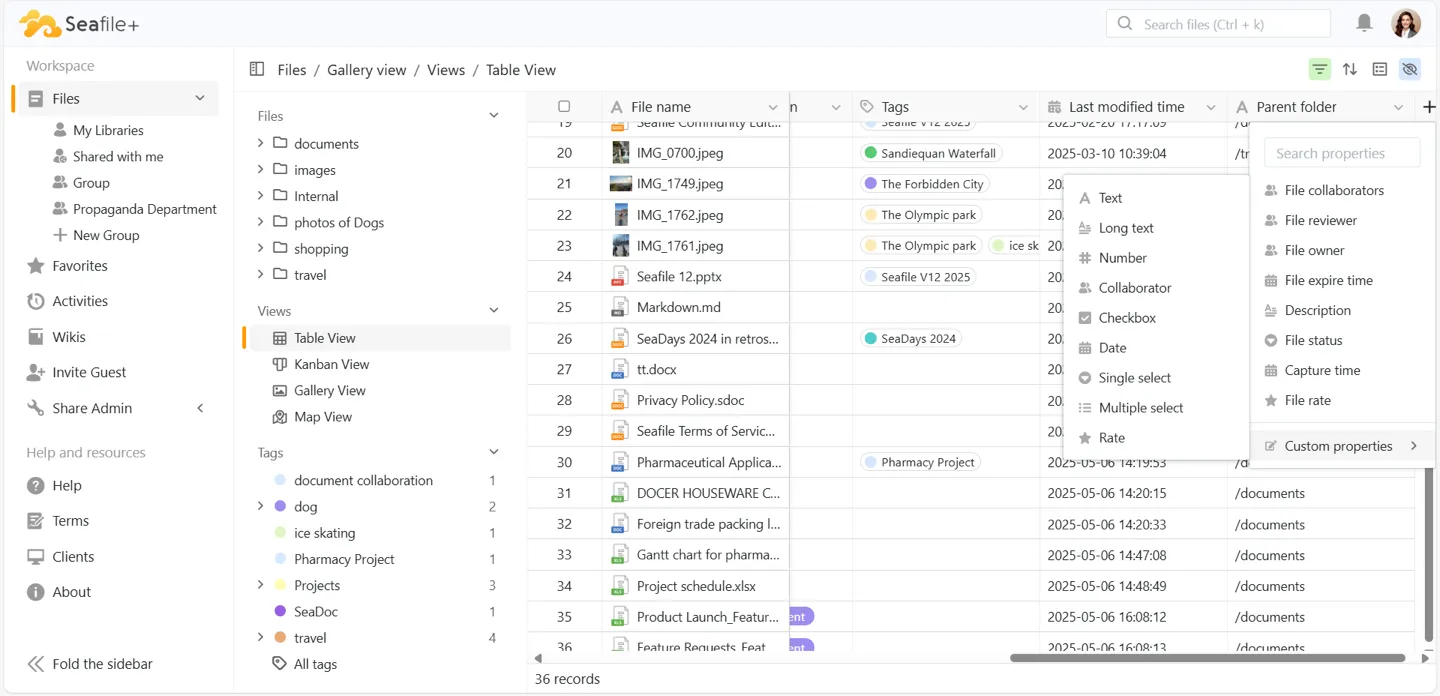
As a refugee of NextCloud - I found the simplicity of SeaFile to be a breath of fresh air. I moved away originally due to performance issues within NextCloud. Outside of the performance, it wasn’t NextCloud; it was me. I didn’t need a Microsoft Office replacement or a Google Suite. I just needed a quick and easy way to access cloudfiles. Now that I no longer serve any form of direct remote access, SeaFile is slowly losing it’s place with as network shares are just easier to work with now.
Uptime-Kuma
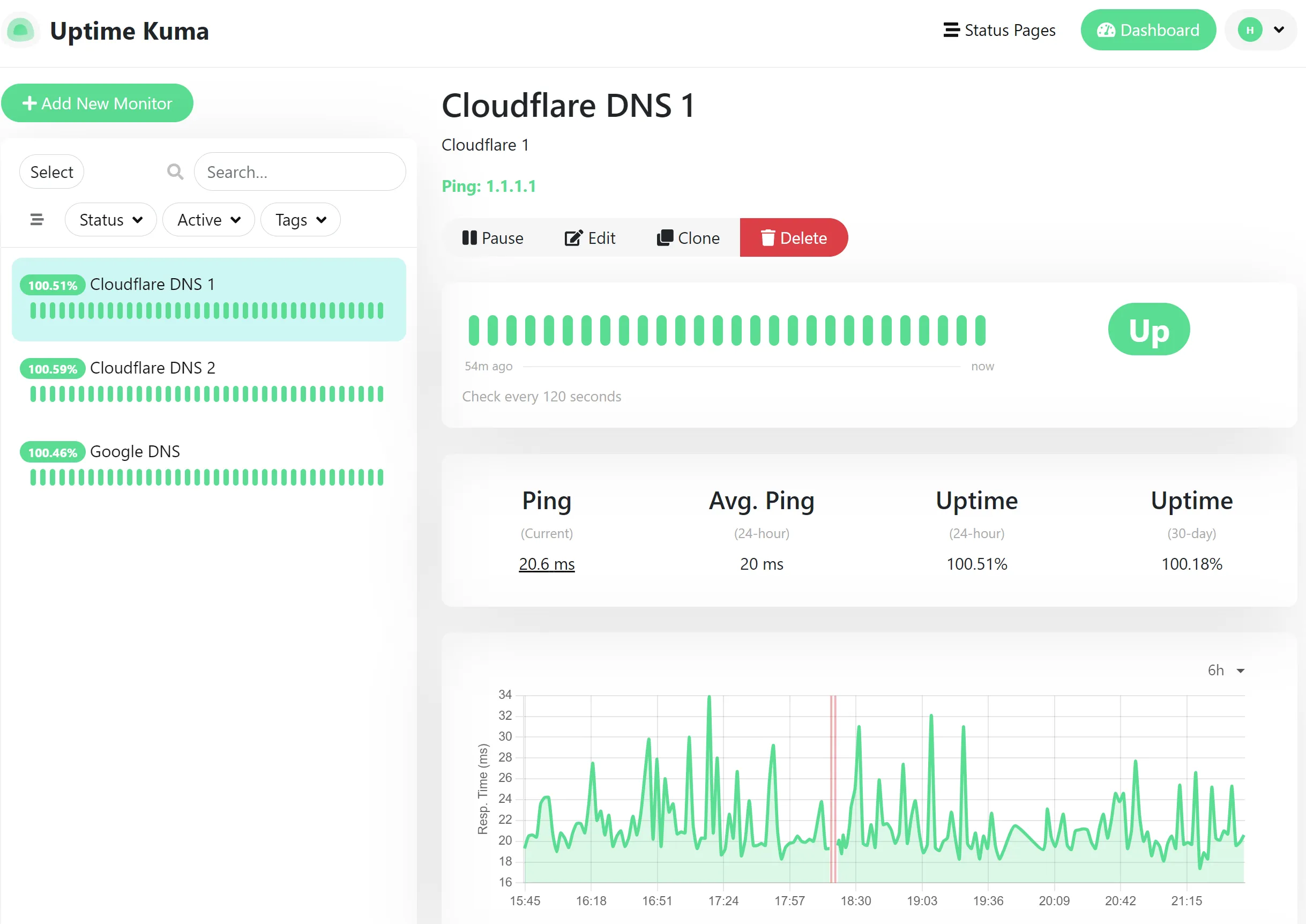
God, I can’t even remember when I originally installed this. I actually have two instances running at the moment, one locally that monitors all of my https:// sites and systems and one that sits remotely on a free tier VPS monitoring my home WAN and my websites. Whenever an outage is detected, it shoots a quick notification to my private discord and I can investigate as needed. Pretty straight forward with a robust feature set of monitoring methods.
Speedtest-Tracker
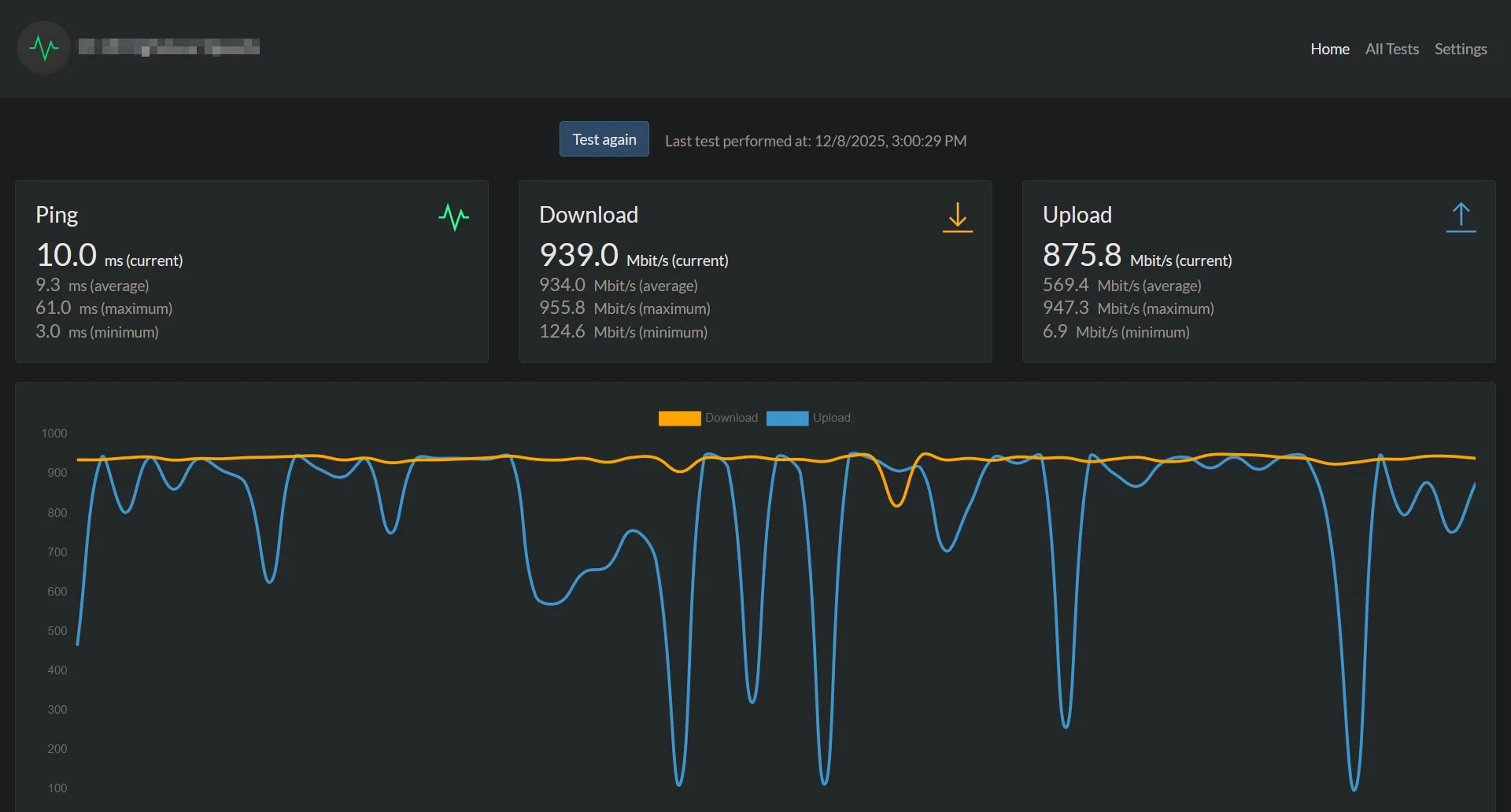
When we first moved into the house, we were promised 1000/1000 from our ISP salesman. I didn’t pay much attention to it until I was able to get my stack and equipment moved over, but imagine my surprise when I run my first speedtest post setup and I only see 1000/100? Well, turns out I needed a new DOCSIS 3.1 modem, easy enough. Nope, still 1000/100. Utilizing SpeedTest-Tracker I was able to keep a long set of data proving the tests. Eventually my ISP recognized that some boxes in the area needed to be upgraded prior to them actually being able to service 1000/1000 speeds.
The tests run at a less regular rate now, though it still allows me to check speeds over a period of time.
Pi-Hole
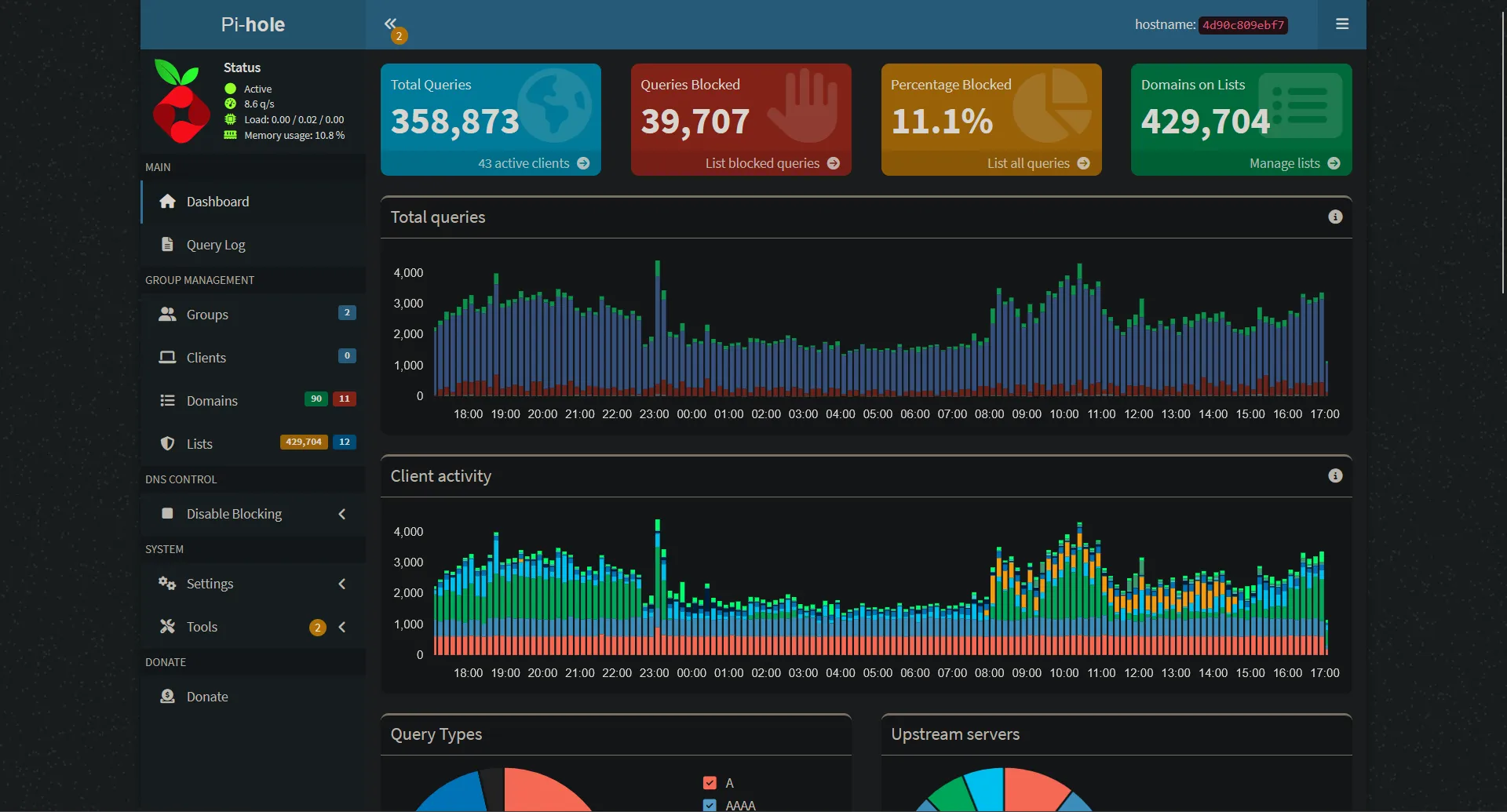
What is there really to say about Pi-Hole? It’s amazing. A local DNS server Sinkhole that routes most ad content to the dark abyss of Non-existent domain. Over the years it acted as my DHCP server (no longer), I utilized the client grouping feature to make sure that my father’s TV wouldn’t block his WWE PPVs or his side of internet slop.
As my homelab and stack evolved, I began using the local DNS to route requests to my Nginx Proxy Manager server. Now all of my stuff is behind a pretty green 🔒 and has a nice domain to go along with it.
wg-easy
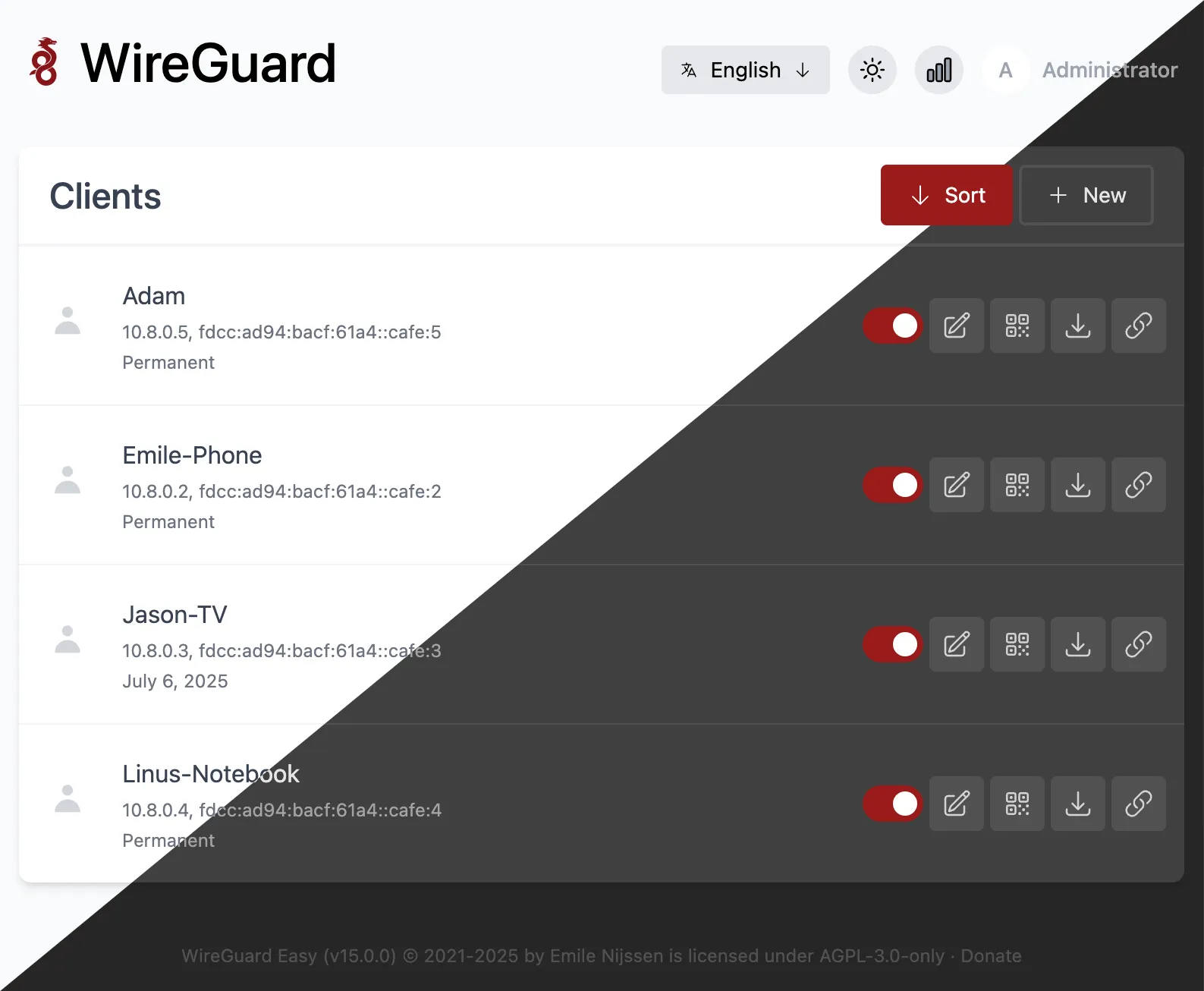
My direct replacement to OpenVPN, wg-easy made setting up a Wireguard server… well, easy. Spin the container up, forward your ports, make your configurations and you’re off.
Nginx Proxy Manager
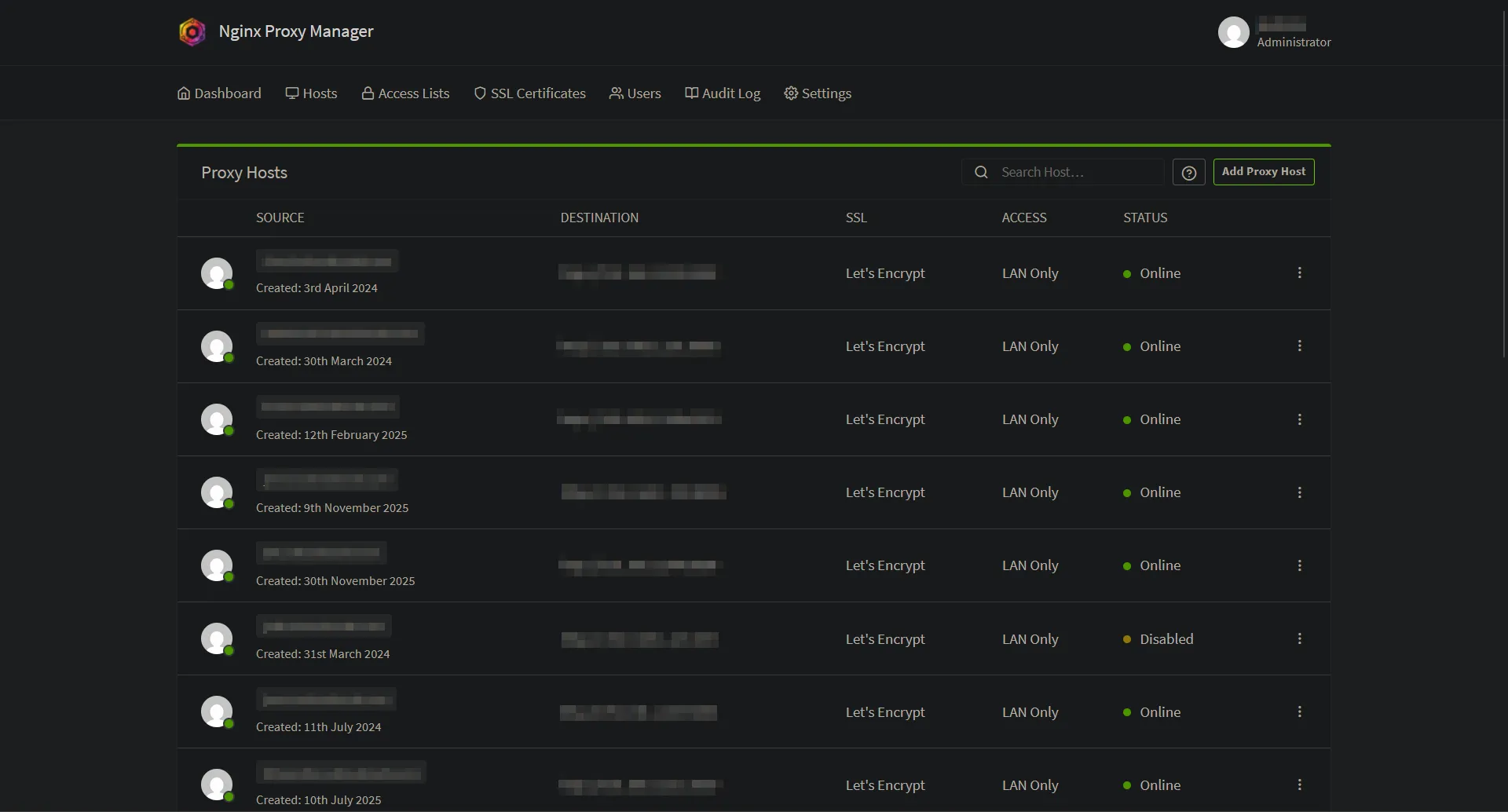
With DNS hosted at Cloudflare, I utilize Nginx Proxy Manager to generate a wildcard SSL Cert which allows me to nest all of my services behind a https:// connection. Not needed, but makes things easier to remember (beats ip:port) and makes everything feel a bit more put together.
Homepage
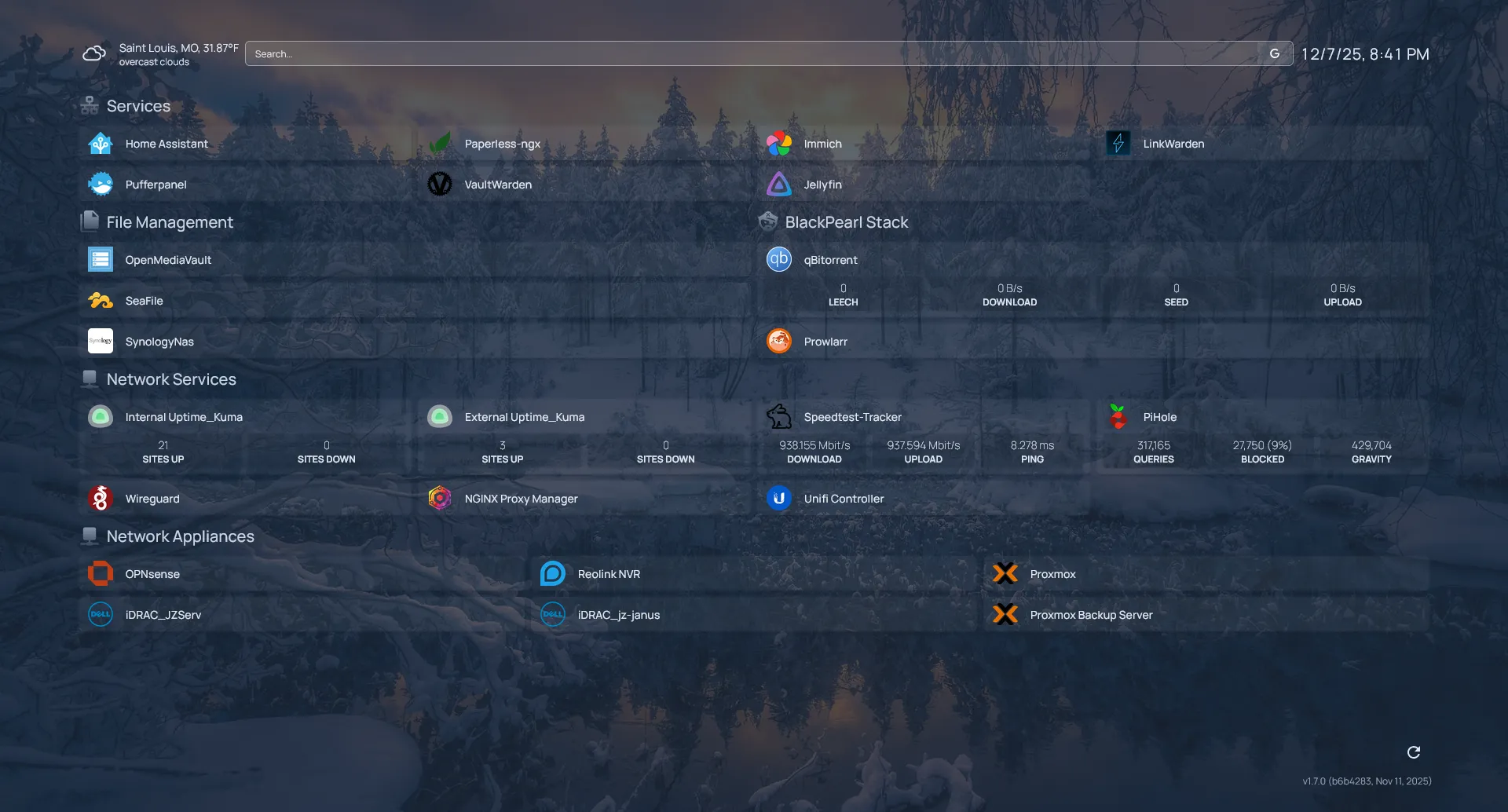
Okay, fine. Vaultwarden, Home Assistant, and Homepage all take the top spot for most used. Homepage is a simplistic .yaml based “dashboard” for all of your services, allowing for widgets and customization, there isn’t a ton that you can’t do. It allows for a quick jump into any of my services, my network appliances, and anything else I feel like including.
I do try to host all of my icons locally so that my page doesn’t end up looking stupid in case of lost WAN. That’s been my only noted hiccup.
How’s it all Work Tho?
Service Traffic
Proxmox is hosted on the R430 —> Virtual Machines are hosted within Proxmox
Local DNS requests sent to PiHole —> Requests are forwarded to Nginx Proxy Manager
Nginx Proxy Manager receives the request —> Sends it to the intended service via ip:port
Backups
Proxmox Backup Server —> Backups stored on Synology NAS via NFS share.
OpenMediaVault —> Backups are stored on Synology NAS via rsync to share.
Planned: Synology backs up to Backblaze B2 or off-site self maintained storage.
Network
- Firewall: OPNsense - running on a (overpowered) N100 box.
- Wireless: Ubiquiti U6 Pro - single AP seems to do well for a 1,400 sq ft house. 5Ghz easily serves 1000/1000. Great for using wireless VR or Moonlight for game streaming.
- Switch: Netgear GS724TPv3 - I needed POE for all of the Reolink Duo 3 cameras stuck around the exterior of the house. Aside from that, it’s a switch and does well enough.
- Cabling: For some reason, the house had coaxial running to every single room. I suspect for speakers? Oh well, made running CAT6 through the house that much easier.
Deployments
Now that I’m a one OS house (Debian 13), deployments and standardization is a bit easier. I have a Proxmox template that is used in conjunction with a setup.sh script that I put together which allows me to quickly install commonly used apps like vim, docker, fastfetch, cifs-utils, etc. It pulls down my .bash_aliases folder and inputs time settings, enables qemu guest agent and changes hostname.
This is much faster than the previous method of installing the OS by hand, making all configurations by hand, realizing you messed something up and having to restart. No idea why it took me this long.
Plans for the Future
Obviously, solidifying off-site backups. I have a bit of data management to do to clean up duplicates and remove files (hours of motorcycle GoPro footage) from those backup sets so that I’m not paying more than I have to.
If I end up going the BackBlaze B2 route (which I’m leaning towards), the Old T330 is going to get it’s drivebays filled with some storage, Proxmox Backup Server will move to that system and it’ll mostly be there for non-crucial media hosting and allow for some extra room to work.
Past that, as much of my homelab and selfhosting goes, it’ll be a product of needs. I’m currently running a test machine that I call the “SAK” (Swiss Army Knife) hosting a few different things like Omni-Tools, IT-Tools, YouTubeDL and BentoPDF. Since these applications won’t require a 24/7 uptime or anything close to it, I would like to set it up with something like Lazytainer so that the containers only run as needed.
What’s next? Who knows.